Module 1 Activity Research

Weekly Activity Template

Jane Hou


Project 1


Module 1

Activity 1
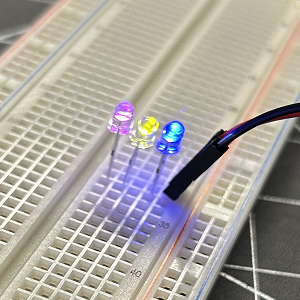
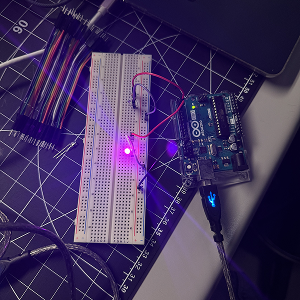
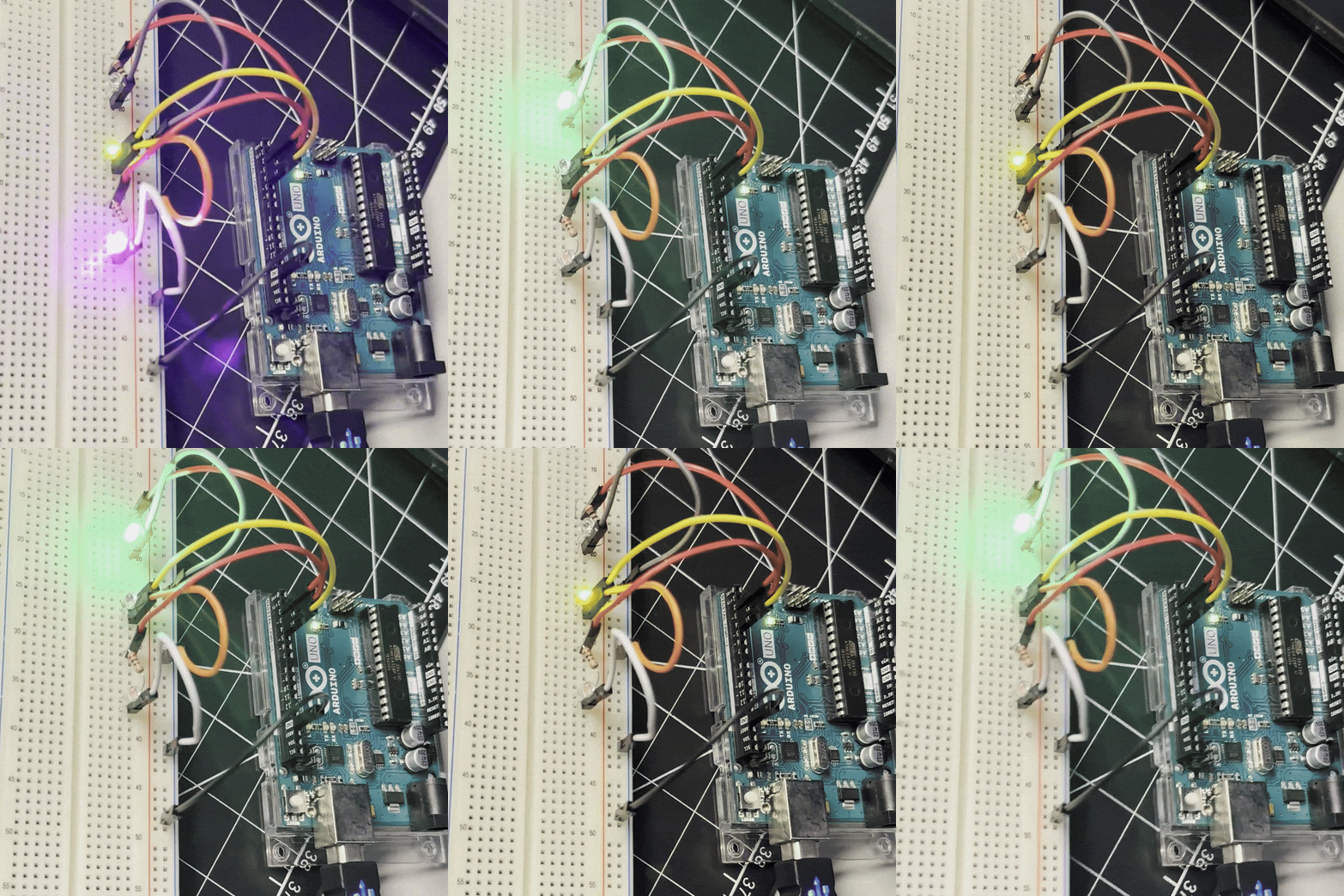
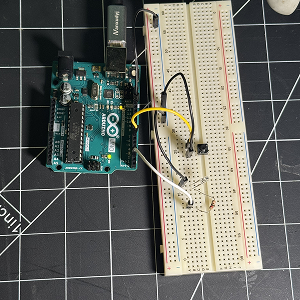
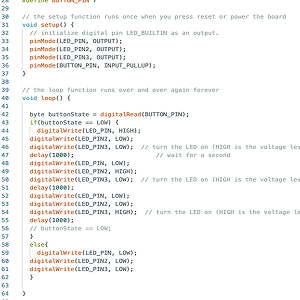
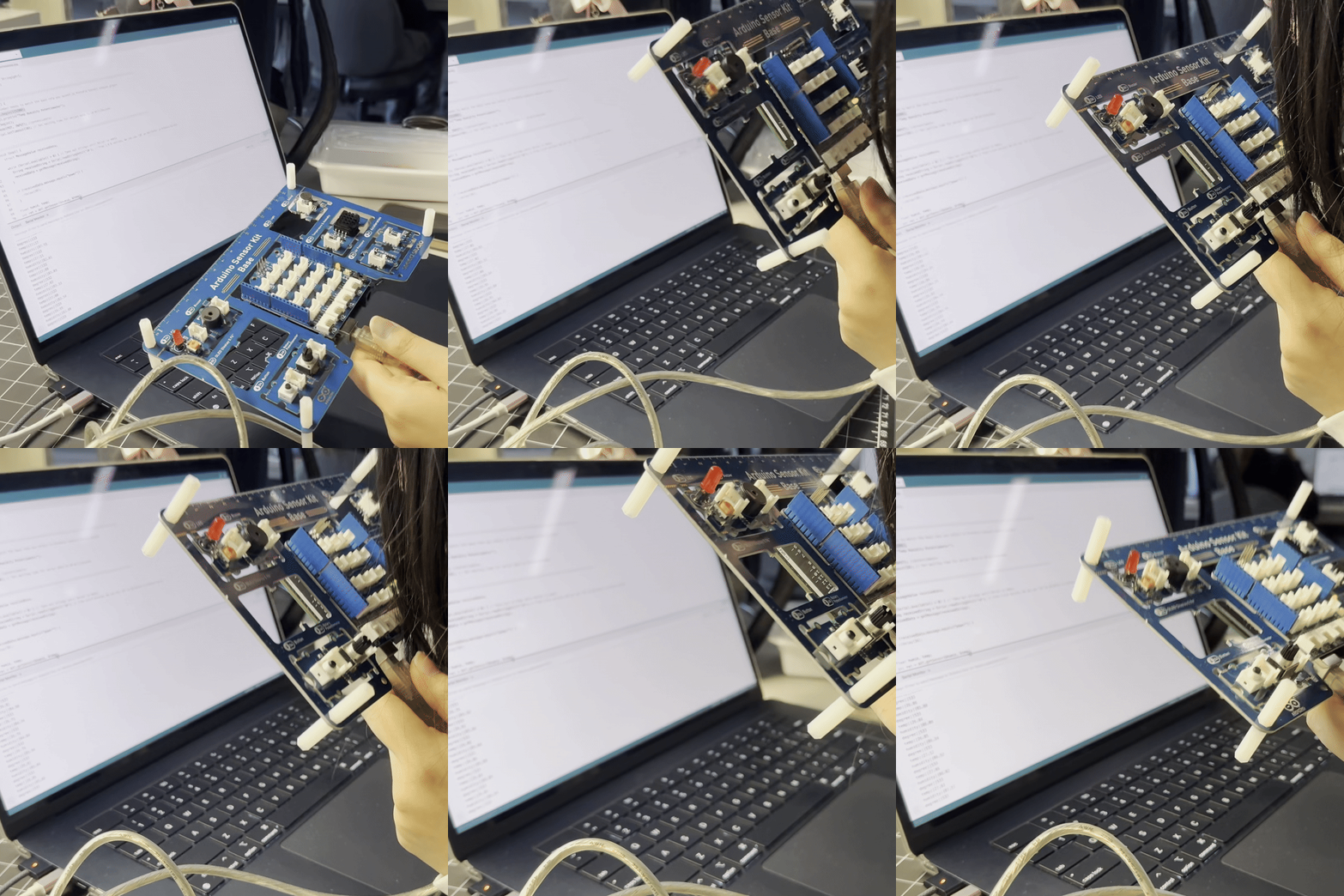
Expanding off teh first exercise, I added more lights on the breadboard. The brightness decresed as each light was added and some colours shone brighter than others. Originally trying to use resistors to create a chain of two LEDs I came across and issue where the second light would not shine, I realised that the issue was that I did not update the variable names in the Arduino IDE. Using the circuit comfiguration, I added a third LED and changed the code so that each light shines after the next with a 1 second delay in between. Using the button example provided, I added our own button to the previous circuit and updated teh code in add a button variable that could turn on the lights. Our final circuit allowed the lights to toggle on and turn on one by one when the button is pressed. After discussing with Steve, I learned that to make the light turn on and off using the button, a spearate function would need to be created to turn the light sequence on and off.

Activity 2

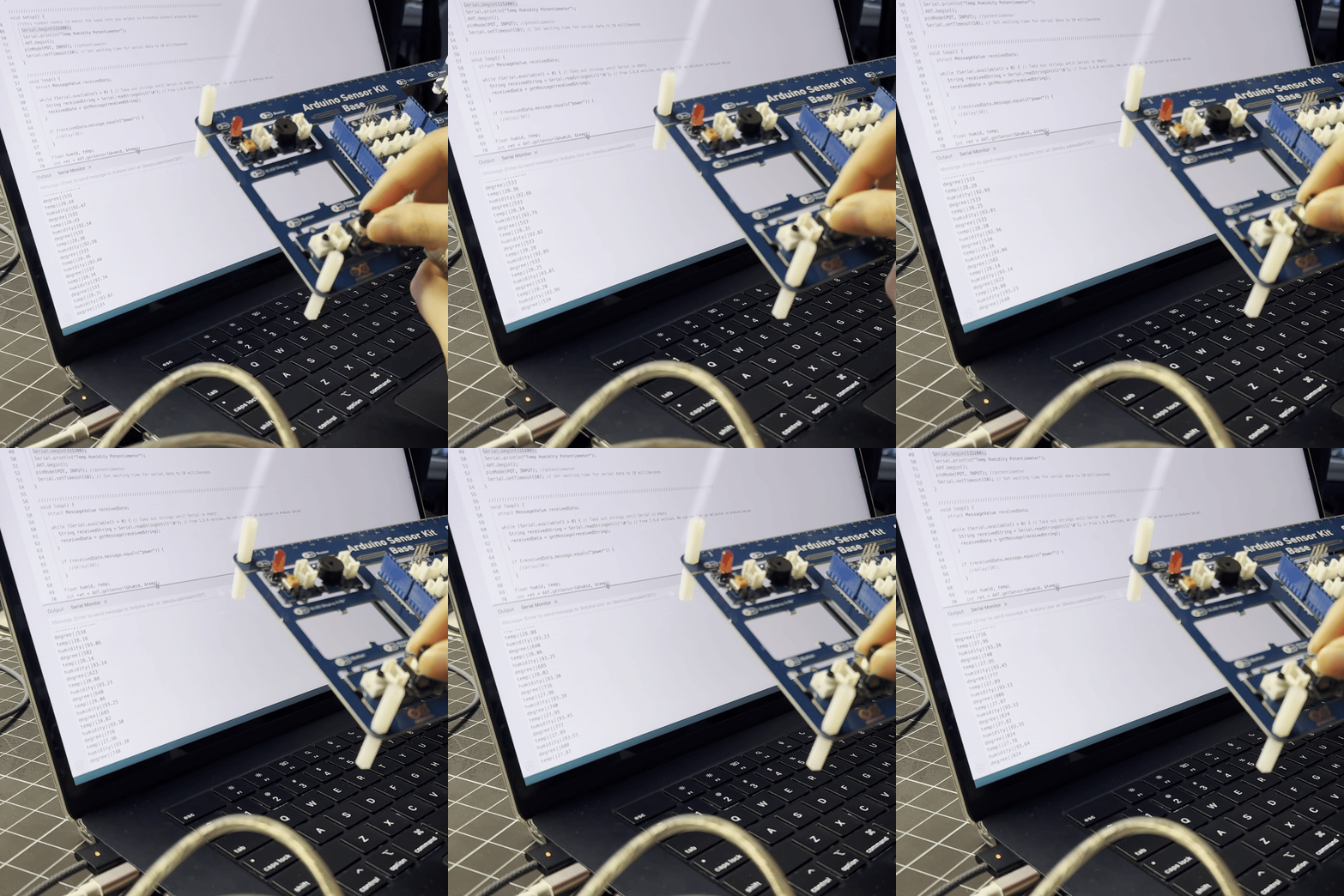
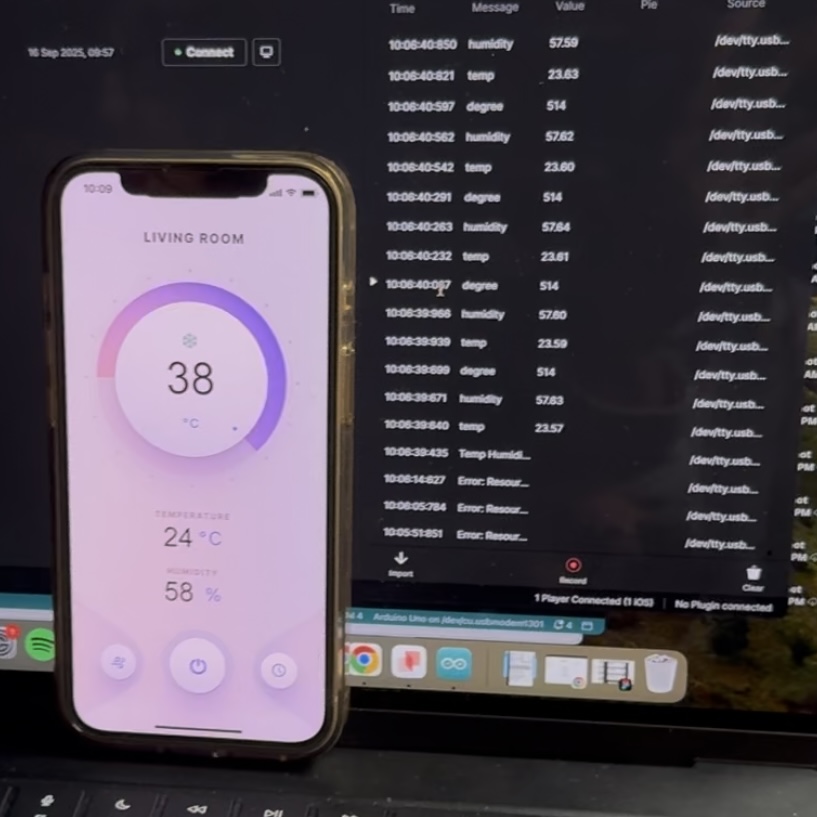
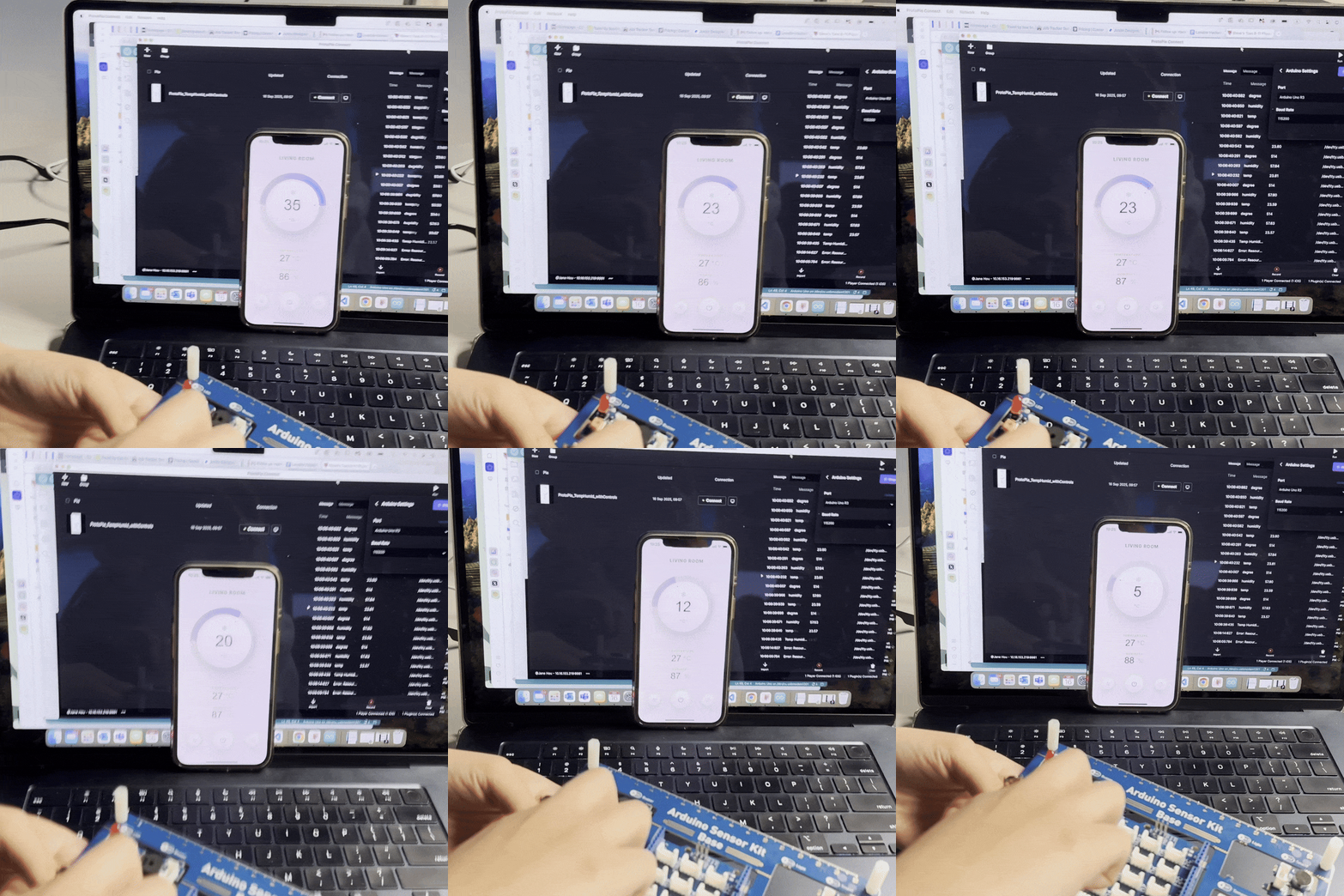
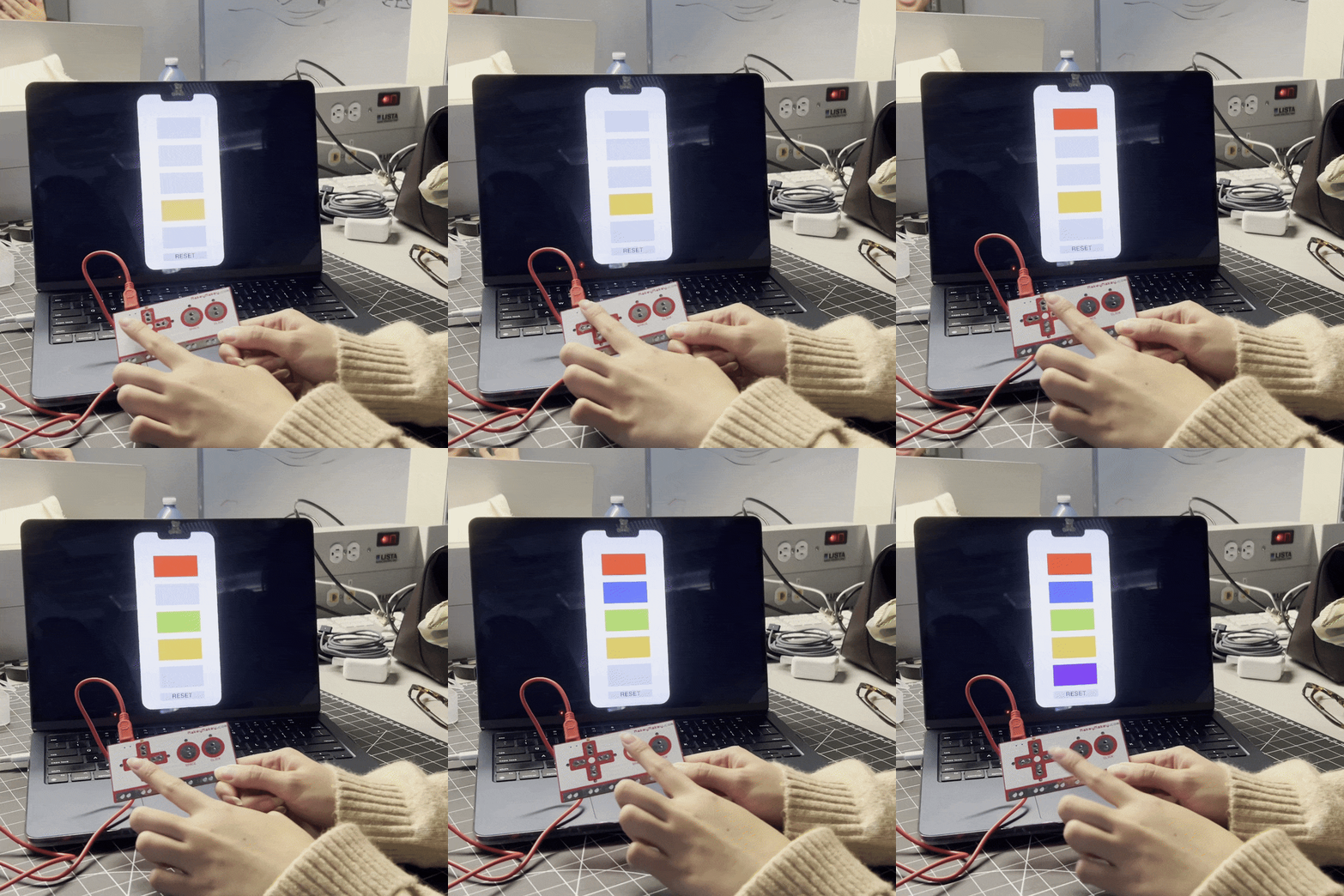
I learned that to get the Arduino code working, the baud rate in the serial monitor needs to match the baud rate in the code. Having a design UI definitely helps see the change in data more clearly in comparison to just looking at the serial monitor. We came accross an issue that the tracking would stop updating. After re-running the Arduino plugin, it fixed the issue. Turning the knob on the potentiometer, shows the data updating live. We tested using the MakeyMakey with a Protopie example. We did not have the right adpater with us to connect the MakeyMakey directly to our phones, so next time we can try that like in the example with an iPad.

Activity 3

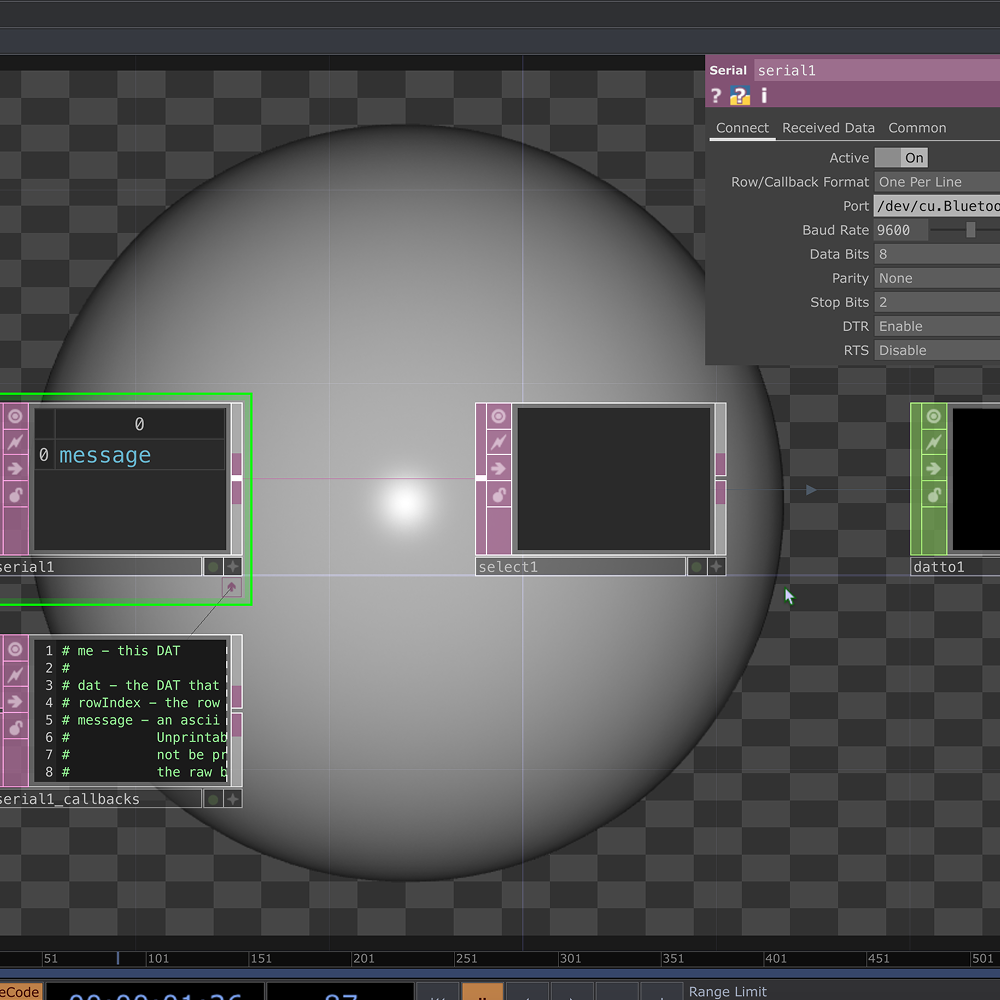
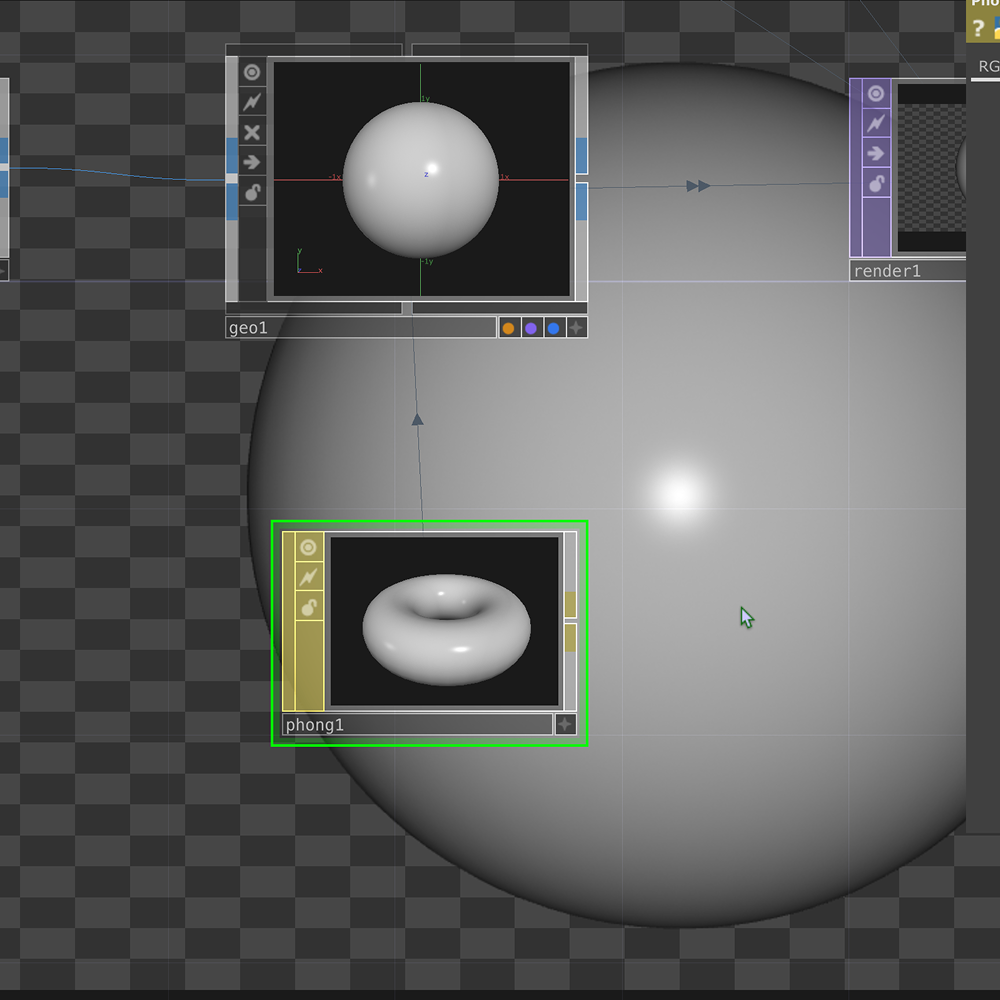
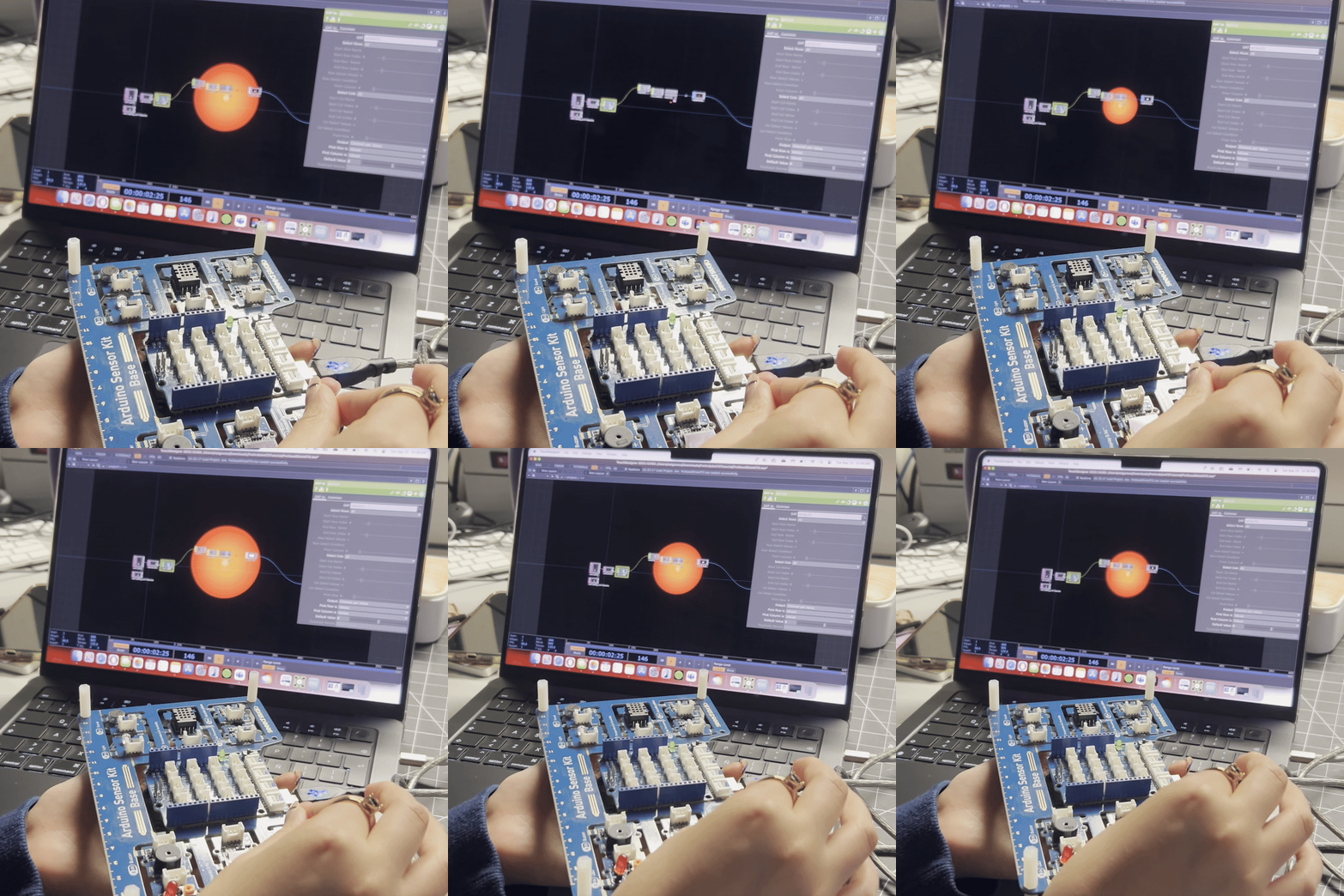
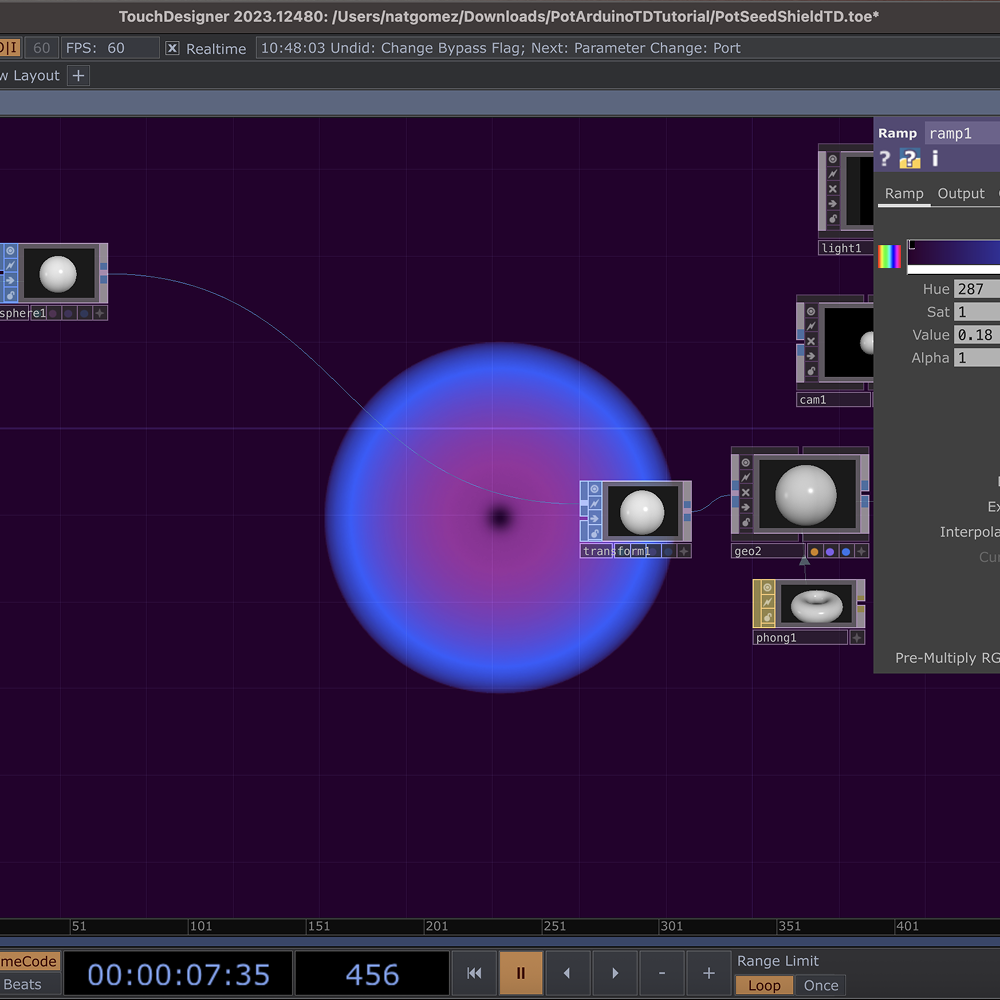
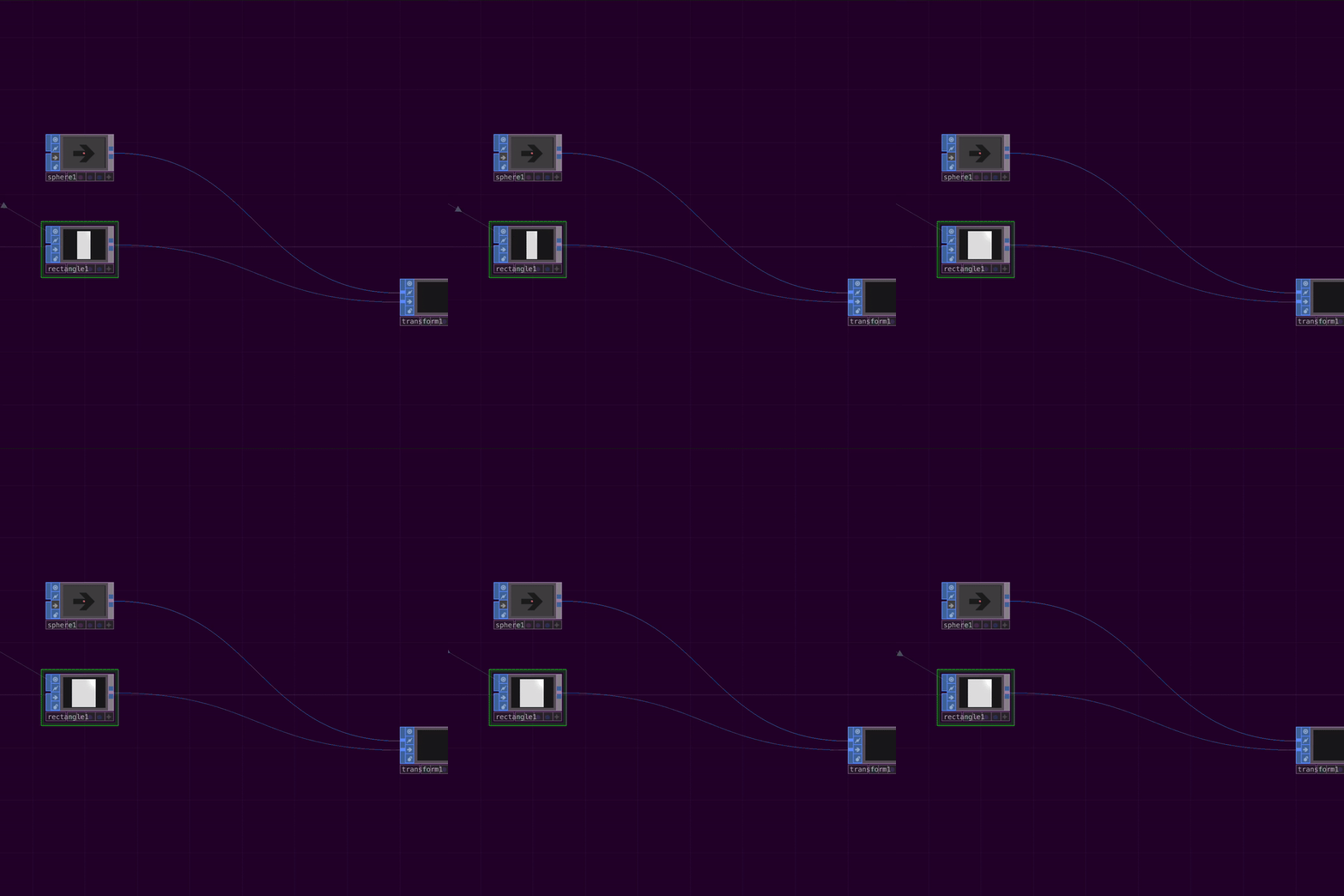
We learned to connect the Arduino to TouchDesigner using the serial connection. I was wondeirng how the phong operator worked and found that it was a way to simulate light on a 3D object. This is what the final output looks like when the potentiometer is turned. The sphere changes size and colour based on the data received from the Arduino. We changed the colour of the colour ramp to adjust the colours of the sphere. We replaced the sphere with a rectangle to see how the data would affect a different shape. It did not appear in the render, but we could see the width change as we turned the potentiometer.

Research Activity


WGSN Consumer Trend Research

Through my research on consumer tech, I found that users as interested in products that encourage play and novelty as well as products that aim to adapt to environmental challenges.
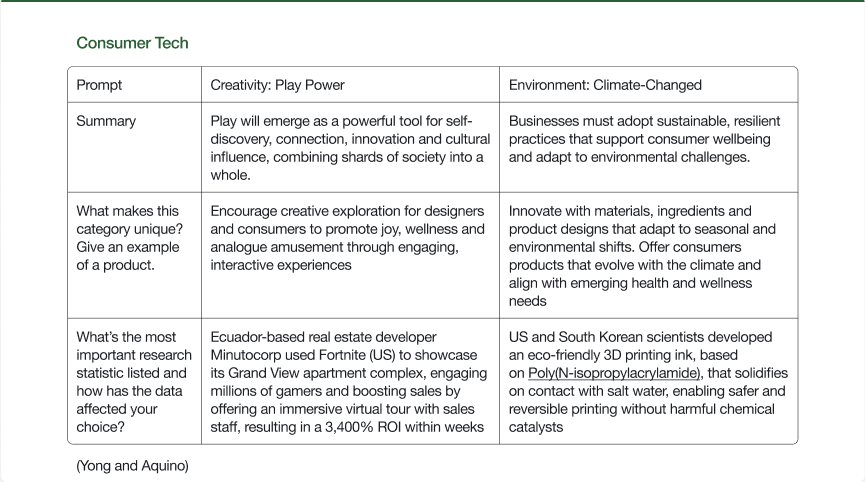
This is the completed consumer tech research I did on WGSN.

WGSN Personas Research

Looking into the WGSN personas, I found that users have a knack for independence and sense of involvement in the products they engage with (new independents) and want to foster positive sense of community with the brands they interact with (energizers).
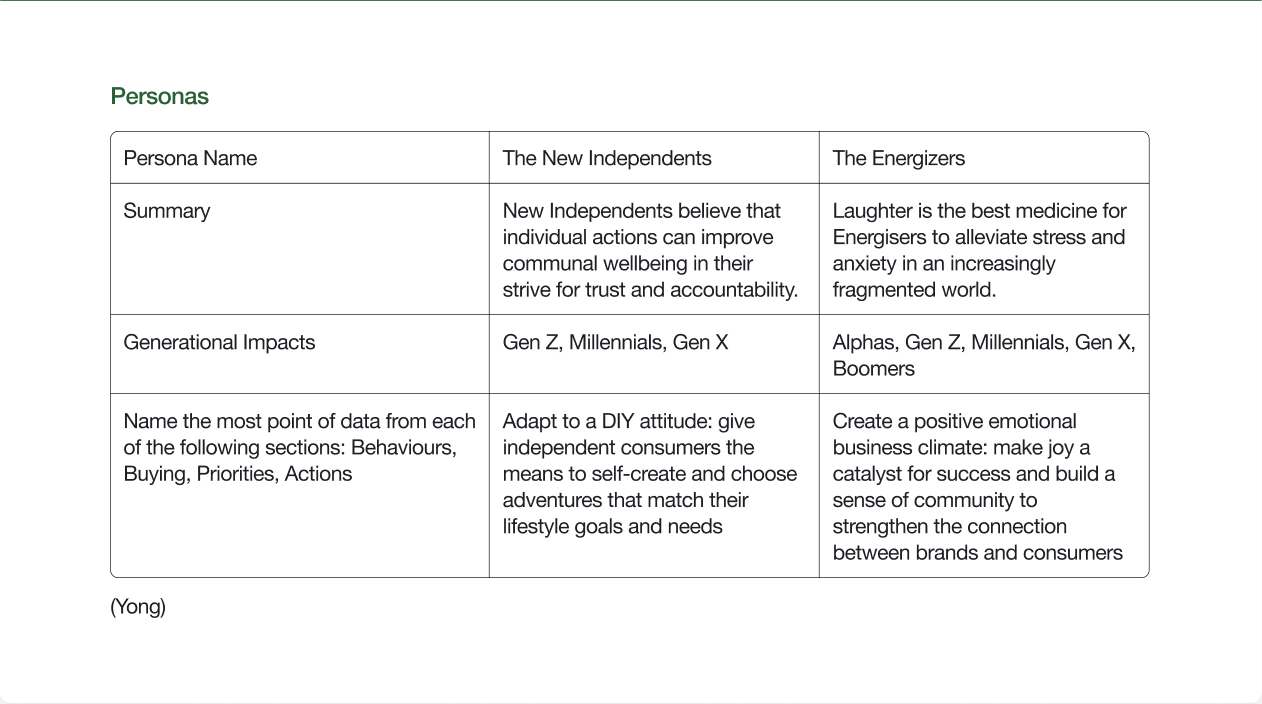
This is the completed personas research I did on WGSN.

HMI Research

For this part of the project, I focused on the art path ideas.
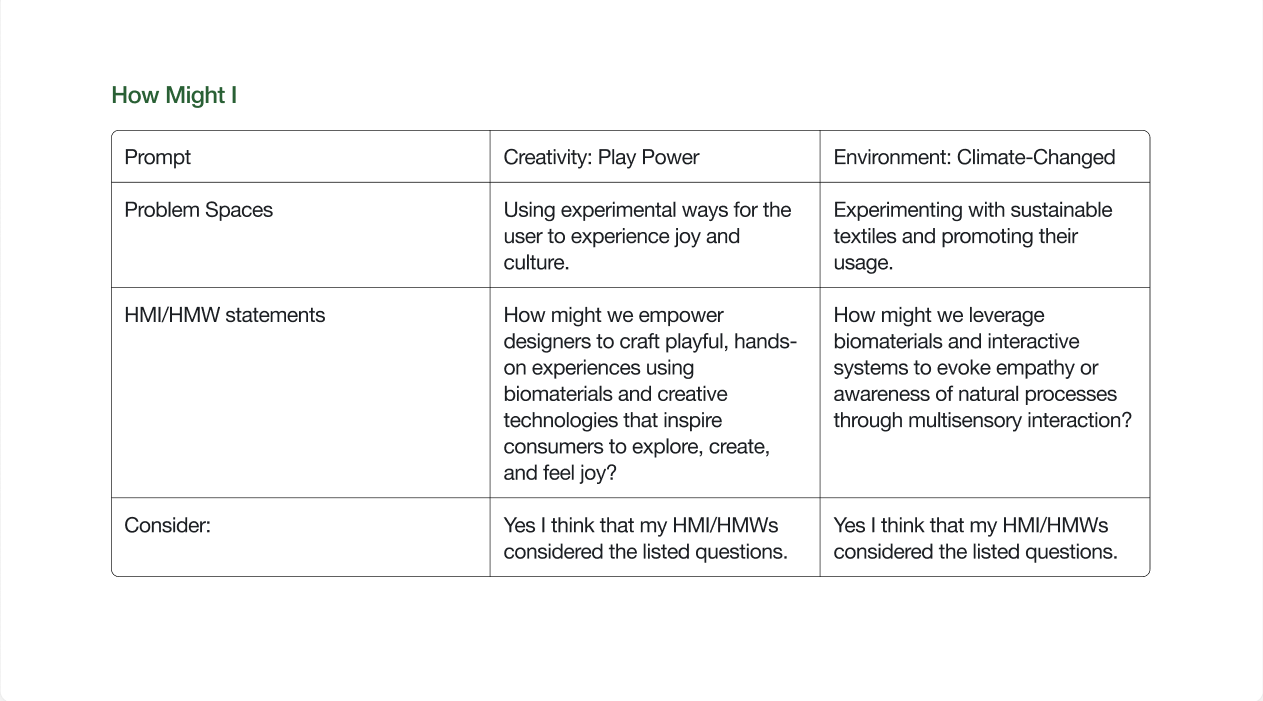
This is the completed HMW chart.

Project Path

At the time of the week 6 peer review session, I had not come up with potential design path ideas. I got feedback on those ideas and then went back to the drawing board to think of designing an automotive interface.
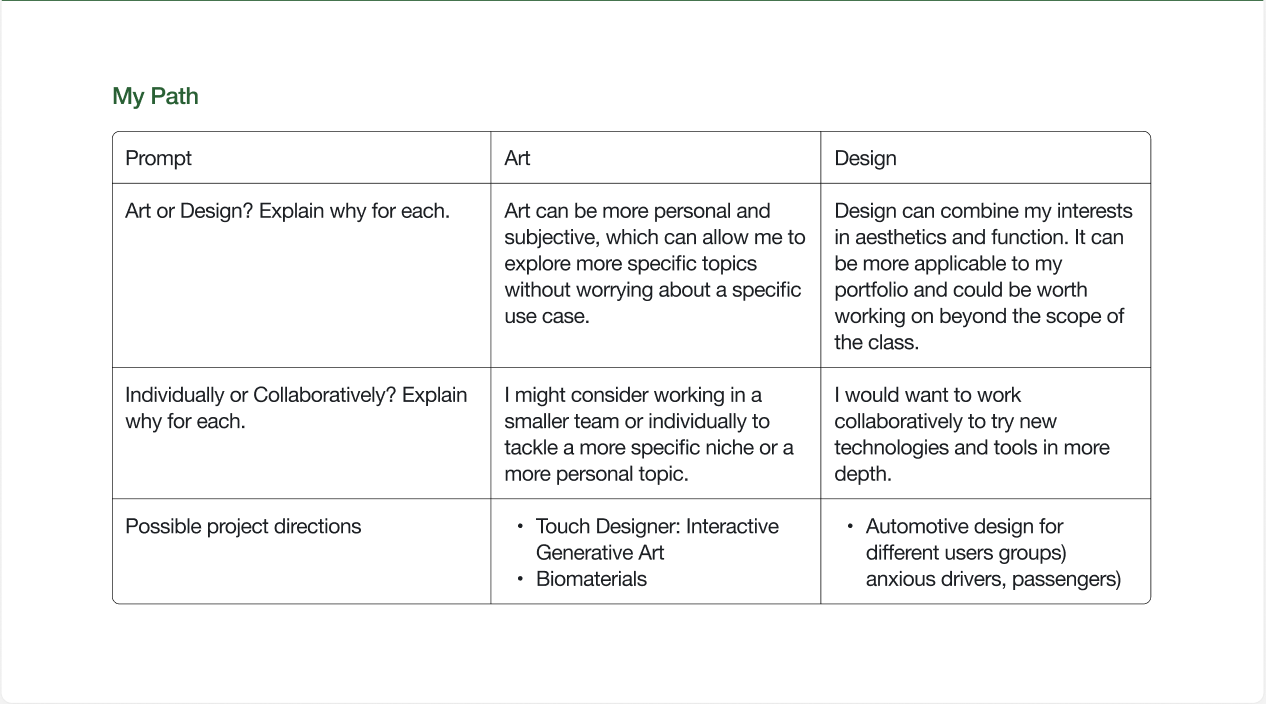
This is the completed project path ideas I had.

Project 1 Concept


Project 1 Concept

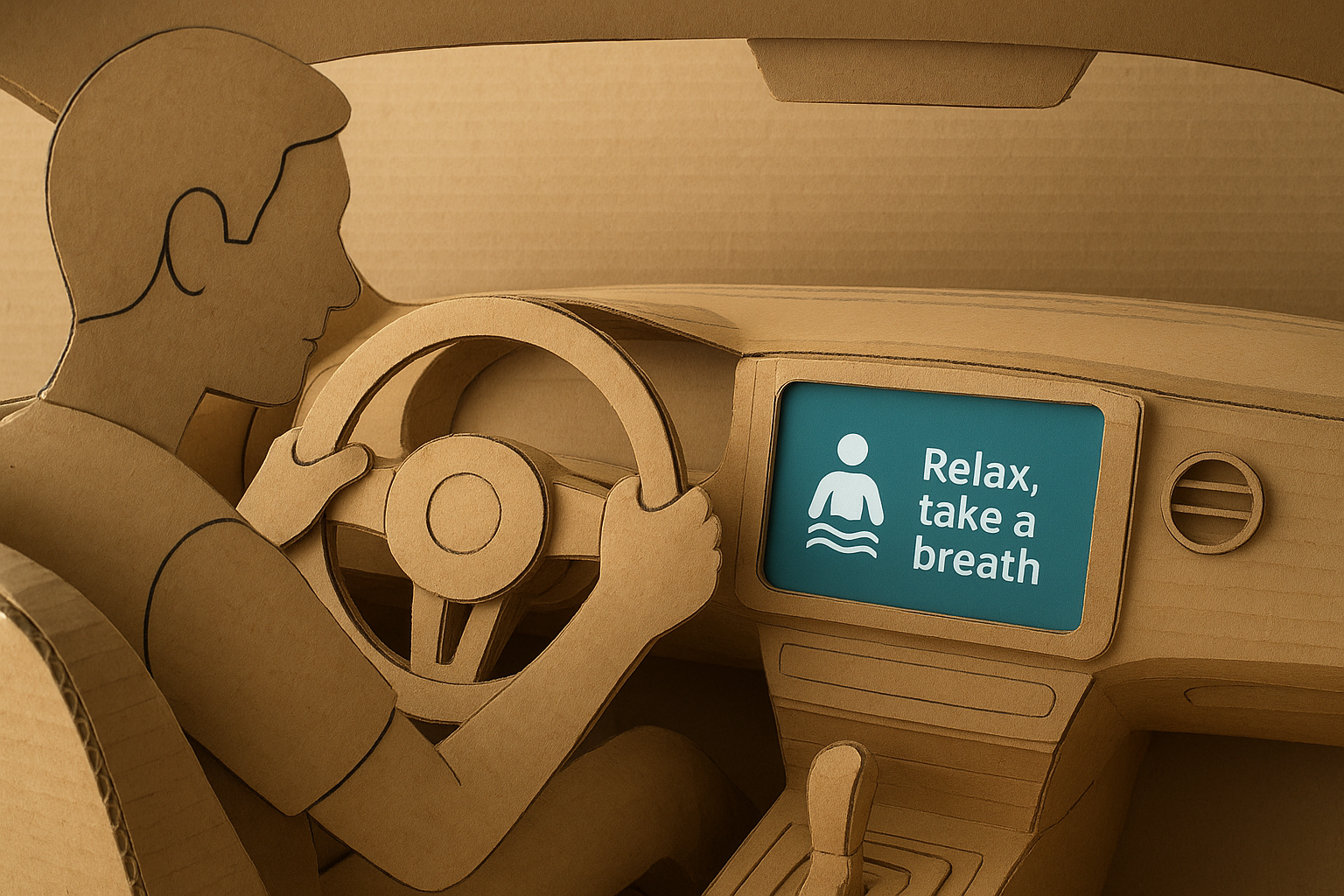
How might we design automotive interfaces to help drivers feel less stressed or anxious?

I want to explore the nuances of designing for automotive products and the intersection between physical and digital interactions in ways that are both innovative and functional. Specifically, I aim to investigate how to design car interfaces for drivers who experience anxiety and stress on the road.

The technologies I use for this project will depend on the research and user insights I gather, but I am considering incorporating sensors to detect a driver’s grip on the steering wheel or using BCI (brain–computer interface) sensors to monitor brain activity. I plan to prototype the automotive interface using tools like ProtoPie and Framer.

Image generated by ChatGPT: “ChatGPT - Project Ideas Refinement.” ChatGPT, 2025, chatgpt.com/share/68e9c6f5-9230-8004-93f6-669caba528cc. Accessed 11 Oct. 2025.
test2Lorem ipsum dolor sit amet, consectetur adipiscing elit
×

Powered by w3.css